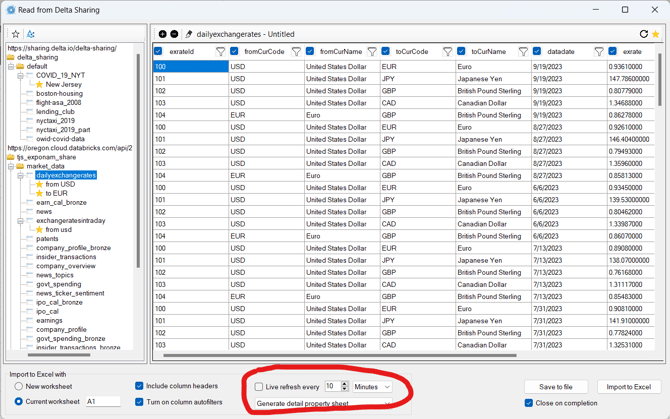
The standard import functionality from Delta Sharing is for a moment-in-time import of data. You can manually refresh the data in a table by reimporting and overwriting the data by choosing the sheet/cell for the data from the bottom of the Delta Sharing preview screen.
A Live Table feature is available for licensed users of Exponam.Connect. Contact your administrator to add a license for Exponam.Connect. If your organization does not have a license, visit exponam.connect for licensing options.
If you have a license but the live refresh option is grayed out, the table you have selected is not CDF enabled. Contact your Databricks administrator to make the table CDF enabled.