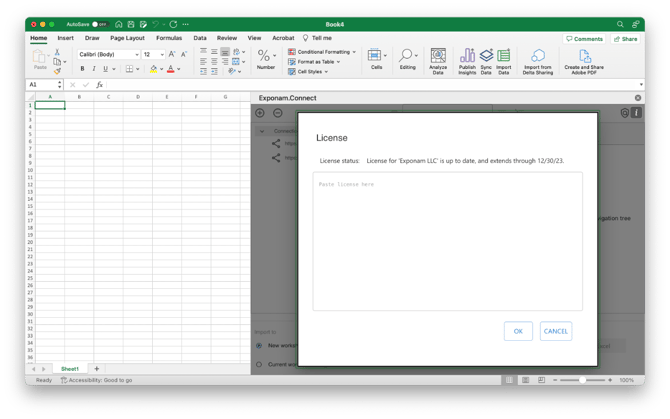
Once you have received a license key from Exponam (or your administrator), you can register your Exponam.Connect Add-in to unlock functionality and remove import size restrictions.
Your license key will be a very long text string (approximately 800 characters). Be sure to copy the entire string.
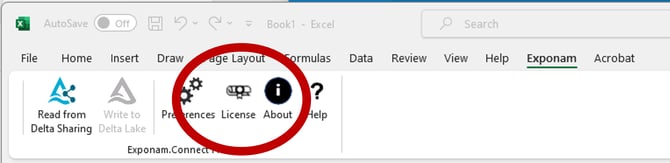
On Windows (Exponam.Connect Pro):
Click the License button in the Exponam Tool Strip
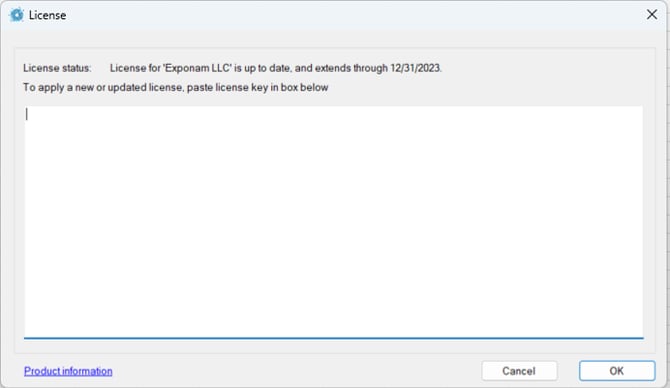
 Copy and paste your license key into the dialog box and hit OK
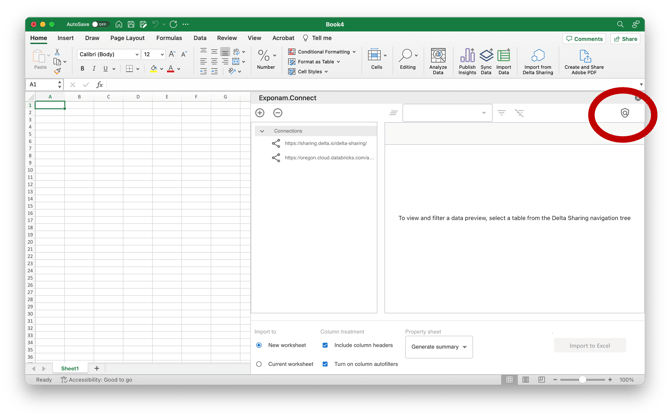
On Mac (Exponam.Connect for Office Web)
Click the License button on the Exponam.Connect task pane
 Copy and paste your license key into the dialog box and hit OK.